 DataLLM Lab
How to Fix LLM API Rate Limits (429 Errors)
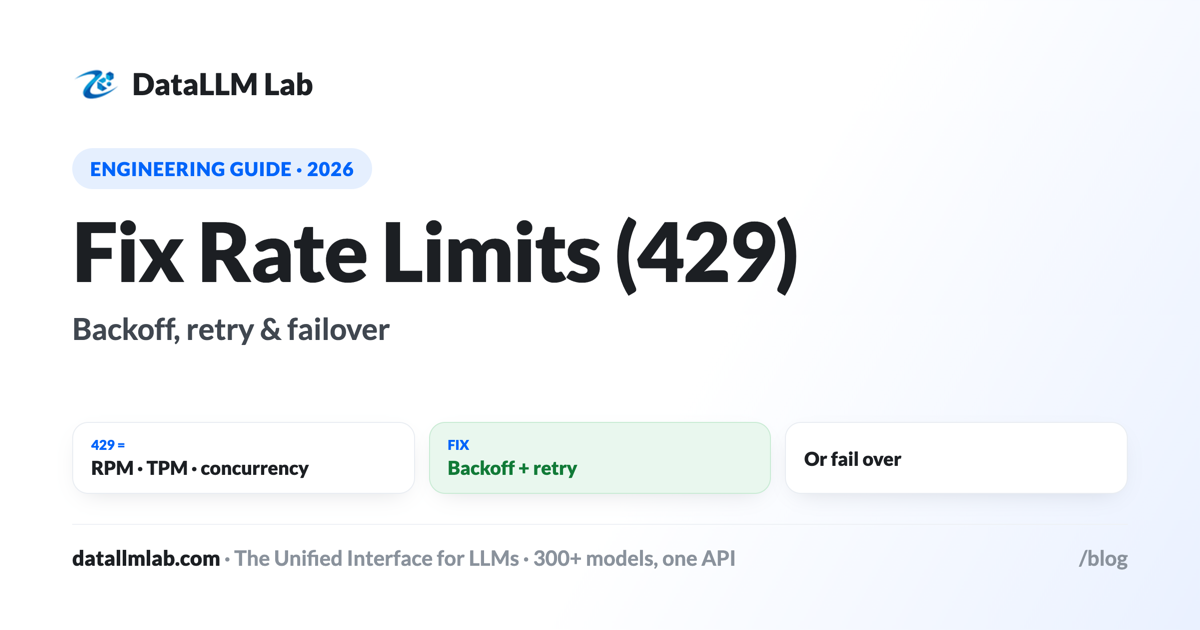
A 429 "rate limit exceeded" error means you're sending requests or tokens faster than your account is allowed. It's one of the most common LLM API errors, and it's fixable — usually without a quota increase. This guide explains how rate limits work (requests-per-minute, tokens-per-minute, usage tiers), why you hit them, how to handle them with exponential backoff and retry, when to request an increase, and how failover across providers makes 429s a non-event.
How rate limits work
Providers cap how fast you can call them, usually on two axes plus a concurrency limit:
| Limit | What it caps | How you trip it |
|---|---|---|
| RPM | Requests per minute | Many small calls in a burst |
| TPM | Tokens per minute (in + out) | A few very large prompts |
| Concurrency | Simultaneous in-flight requests | Firing requests in parallel |
Your allowances are set by your usage tier, which most providers raise automatically as your account ages and spend grows. The response headers typically report your remaining RPM/TPM, and a 429 often includes a Retry-After hint.
Why you hit them
The surprise for most teams is hitting 429 at low total volume. That's almost always bursts or concurrency, not your daily total: firing 50 requests in parallel, or sending a handful of 100K-token prompts, can momentarily exceed the per-minute cap even if your usage over the day is modest. New accounts on low tiers feel this most.
Backoff & retry (the core fix)
The fix for a transient 429 is to wait and retry — but not immediately, which adds load. Use exponential backoff with jitter, honoring Retry-After:
import time, random
from openai import OpenAI, RateLimitError

client = OpenAI(base_url="https://www.datallmlab.com/v1", api_key="$DATALLMLAB_API_KEY")

def call_with_retry(messages, model="openai/gpt-5.4", max_tries=6):
    for attempt in range(max_tries):
        try:
            return client.chat.completions.create(model=model, messages=messages)
        except RateLimitError as e:
            if attempt == max_tries - 1: raise
            wait = (2 ** attempt) + random.random()      # 1s, 2s, 4s, 8s... + jitter
            time.sleep(wait)                            # honor Retry-After header if present
Cap the retries, add jitter so many clients don't retry in lockstep, and surface a clear error if all attempts fail.
Smooth out the load
- Limit concurrency — cap simultaneous in-flight requests (a semaphore/queue) so you don't spike past the limit.
- Batch latency-tolerant work — move offline jobs to the batch API, off your real-time quota entirely.
- Trim prompt size — fewer tokens per call directly lowers TPM pressure (see cutting costs).
- Spread spiky traffic — queue and drain at a steady rate rather than firing everything at once.
Requesting an increase
If you consistently hit limits at genuinely necessary volume, raise the ceiling: most providers lift limits automatically as your cumulative spend and account age grow (usage tiers), and you can request a specific increase through the dashboard or support. Until it lands, backoff and load-smoothing keep you within the current allowance.
Failover makes 429s vanish
The most robust fix is to not depend on one provider's limit at all. Through a gateway, a 429 from one provider triggers an automatic retry on an equivalent model from another provider — so the request still succeeds and the user never sees an error. During traffic spikes, this turns rate limits from incidents into invisible reroutes:
# a gateway can fail over to an equivalent model on 429 automatically
client.chat.completions.create(
    model="openai/gpt-5.4",
    messages=messages,
    extra_body={"fallbacks": ["anthropic/claude-sonnet-4.6", "google/gemini-3.1-pro"]},
)
Prevention checklist
- Backoff + retry with jitter on every call path.
- Honor
Retry-Afterand watch the remaining-limit headers. - Cap concurrency; queue and drain spiky traffic.
- Batch anything offline; trim prompt size.
- Configure failover to an equivalent model so a 429 reroutes instead of failing.
Make rate limits a non-event
DataLLM Lab fails over across 300+ models on rate limits and outages — a 429 on one provider reroutes to an equivalent model automatically.
FAQ
What causes a 429 rate-limit error?
Exceeding RPM (requests/min), TPM (tokens/min), or a concurrency cap on your tier. Bursts, parallel requests, or large prompts trip it even at modest total volume.
How do I fix a 429 error?
Exponential backoff with retry (honor Retry-After), cap concurrency, batch offline work, trim prompts. If you hit limits at necessary volume, request a quota increase.
RPM vs TPM?
RPM caps call count; TPM caps total tokens. A few huge prompts can hit TPM under the RPM cap, and many tiny calls can hit RPM under the TPM cap. Watch both via the headers.
How do I increase my rate limit?
Limits rise automatically with account age and spend (usage tiers); you can also request an increase via the dashboard/support. Meanwhile, backoff and smoothing keep you under the cap.
Does failover help with rate limits?
Yes — through a gateway, a 429 reroutes to an equivalent model from another provider automatically, so the request still succeeds. Great during spikes.
Should I retry immediately?
No — use exponential backoff (1s, 2s, 4s, 8s) with jitter and honor Retry-After. Cap retries and surface a clear error if all fail.
Why am I rate-limited at low volume?
Usually bursts or concurrency, not total volume — many parallel requests or a few large prompts momentarily exceed the per-minute cap. Smooth the rate to fix it.
Can caching help with TPM?
Indirectly — caching cuts billed tokens on repeated context. The bigger TPM lever is trimming prompt size and retrieving fewer tokens.