 DataLLM Lab
Google SynthID Detector: Verify Media Without Overclaiming
Google SynthID Detector can help an editor investigate AI-generated media, but its result should answer a narrow question about a watermark. It does not decide whether an event happened, whether a person consented to an edit, or whether you have permission to publish the file.
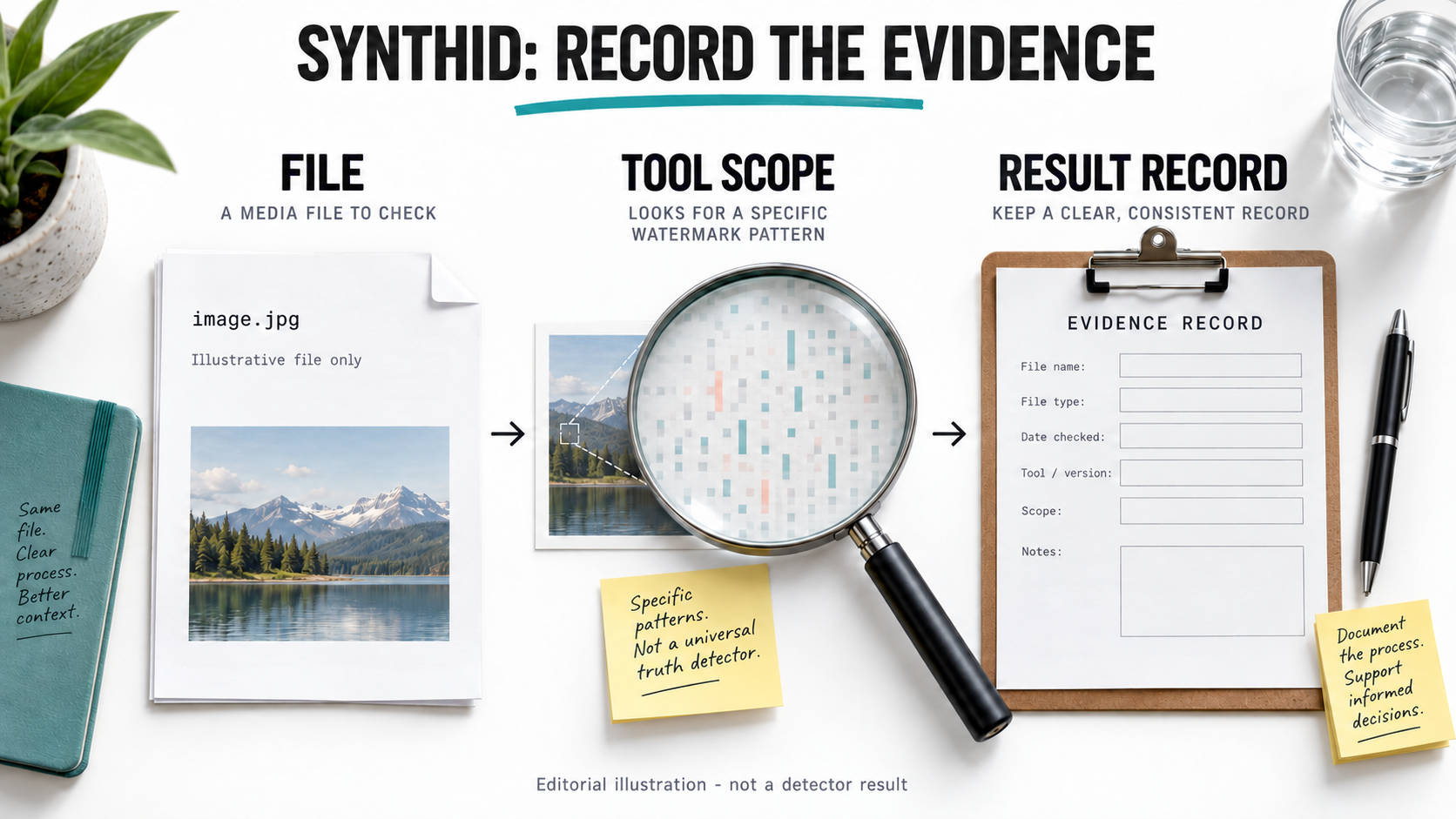
AI-generated editorial illustration using a fictional file, not a detector interface or result.
Google announced broader public access on October 7, 2026. This guide reviews official material checked on October 9, with verification help refreshed on October 10, and proposes an evidence-recording workflow. No file was uploaded, no detector result was obtained, and no accuracy test was performed. Google announcement.
Choose the Google SynthID Detector route deliberately
Start from the Google DeepMind SynthID page, which links to the standalone detector at synthid.com. The public launch describes image, video and audio checks and an English-language global rollout. That announcement is not a guarantee that every device, account or file will work.
Keep the standalone portal separate from verification inside Gemini Apps. Google's Gemini verification help currently limits its SynthID recognition to content made with Google AI, while the standalone launch describes coverage involving Google and named partners. Do not transfer one route's coverage or limits to another.
| Route | What this review establishes | What still needs checking |
|---|---|---|
| Standalone SynthID Detector | Officially linked public detector; launch names image, video and audio support. | Current accepted files, any sign-in requirement and the particular generator's coverage. |
| Gemini Apps verification | Documented signed-in verification with a Google-AI-specific SynthID scope. | Account eligibility, file limits and the exact result shown for your file. |
| A generic chat answer about a file | A model can describe what it sees. | Whether an actual verification feature ran at all. |
The portal's rendered controls were not inspected for this article. A general-purpose assistant saying an image looks synthetic is not an interchangeable substitute for a recorded watermark check.
Preserve the received file before preparing an upload
Keep an untouched master. Record where it came from, when you received it and what version the sender supplied. A cropped repost may be useful to inspect, but it should not silently replace the original evidence.
Assign a local asset identifier and record a file hash with a trusted local tool. The hash helps distinguish versions; it does not prove that a file is authentic or that the scene is real. Keep the original filename and any received metadata alongside that record.
Before uploading anywhere, confirm that you can share the material with that service. Private customer footage, internal prototypes, identifying documents and confidential audio need a separate data-use decision. This tutorial is not permission to transmit them. For a sensitive file, ask the owner for an approved route or keep the review local.
If a service requires a smaller copy, save it as a derivative with its own identifier, transformation notes and hash. Do not combine unrelated images into a collage for a single check. A result belongs to the file actually submitted, not every other version of that scene.
Ask for verification and keep the exact response
On the chosen official route, inspect the accepted file types and limits before submission. Use an authorized file, then retain the complete response and the time of the check. In Gemini, use the documented verification feature rather than asking only for a visual opinion.
A useful question identifies the claim you want checked: whether the file carries a detectable watermark from the AI tools covered by that route. Avoid asking the tool to decide whether the accompanying news story is true.
The following is an original, unfilled editorial record, not a SynthID API payload or detector output. NOT_CHECKED must remain until a real, authorized check occurs.
status: NOT_CHECKED
asset_id: ASSIGN_LOCAL_ID
original_file_hash: COMPUTE_LOCALLY
source_and_received_time: RECORD
permission_to_upload: NOT_CONFIRMED
submitted_version_and_hash: NOT_SUBMITTED
tool_route_and_check_time: NOT_RECORDED
coverage_statement_checked: NOT_RECORDED
exact_result_and_evidence_path: NOT_OBTAINED
limitations_and_follow_up: RECORD_AFTER_REVIEW
publication_decision: PENDING_HUMAN_REVIEW
Keep screenshots or exported evidence where your team can retrieve them. A paraphrase such as "AI detected" loses information about scope, uncertainty and which file was checked.
Interpret a finding without promoting it into proof
Use result categories that preserve uncertainty. The categories below are proposed editorial labels, not quoted interface text or observed test outcomes.
| Finding you record | Reasonable interpretation | Unsupported leap to avoid |
|---|---|---|
| A watermark is detected | Evidence of generation or editing covered by the tool, within the reported scope. | The entire file is synthetic, the depicted event is false, or a named person caused the edit. |
| No watermark is detected | This check did not identify the relevant watermark. | The content was definitely created by a human or never edited by any AI system. |
| The check is inconclusive | Keep the question unresolved and seek better source material. | Convert uncertainty into a clean bill of authenticity. |
| The service rejects the file | The verification did not complete for that input. | Classify a compatibility or access error as a negative detector result. |
Google's Gemini help warns that some small edits or simple content may not yield a clear finding, and repeated alterations can affect detection. Its documented video findings can concern portions of a clip rather than every frame. Result limitations.
For a video, retain the reported intervals and compare them with the edit you are investigating. For audio, record what the tool actually reports; do not infer the speaker's identity or the truth of the spoken statement from a watermark alone.
Check Content Credentials as a separate signal
Content Credentials and invisible watermarks are different forms of evidence. The C2PA explainer describes cryptographically bound provenance records. It explicitly separates validation of those records from judgments about whether their contents are true.
When a compatible tool exposes credentials, record the signing information, validation status and available edit history. A familiar-looking badge or a screenshot of metadata is not a substitute for the validator's finding. An unsupported credential version is also different from a valid credential that describes AI use.
Absence is not a verdict. C2PA's explainer cautions against deciding an asset's trustworthiness solely from whether it carries credentials. Combine any provenance record with the source's explanation, original files and independent checks relevant to the story.
Turn the evidence into a publishing decision
Consider a hypothetical supplier image described as an unchanged production photograph. A positive AI-edit signal would give the editor a specific follow-up question: which parts were altered, and can the supplier provide the original capture and intended disclosure? It would not prove that the factory or product is fictional.
A negative signal would leave the supplier's claim unconfirmed. Requesting source material is still useful because the detector's scope may not cover the tools used. Both outcomes should stay attached to the checked version.
Keep three decisions separate: technical provenance, factual accuracy and publication rights. Resolve discrepancies with the source and a responsible reviewer before making allegations or releasing sensitive material. DataLLM Lab's image-editing inspection guide offers related preservation checks, not a detector benchmark.
FAQ
Does no watermark mean the file is human-made?
No. A missing finding does not establish universal coverage, an untouched file or human authorship. Record the tool's scope and leave unsupported origin claims unresolved.
Are SynthID Detector and Gemini verification the same route?
No. The official materials describe them separately. Check current coverage and accepted inputs for the actual route you use rather than copying assumptions between them.
Does this article include tested detection results?
No. The record and scenario are proposed editorial tools. No upload, detection run, account check or accuracy measurement was performed.
Conclusion
Use Google SynthID Detector to gather a specific provenance signal, then preserve the file, route, exact result and limitations together. Keep truth, consent and rights decisions with the appropriate evidence and human reviewer. A useful verification record should make uncertainty visible, not hide it behind a binary badge.